
Barcode and keyboard billing
Scan or search products, change permitted quantities and use the configured shortcuts. Held bills and repeated-item handling support the counter’s actual selling sequence.
A faster counter. A clearer day-end.
A fast retail checkout connected directly to inventory and core ERP controls.
ZOVRO Retail POS combines barcode-led billing with outlet, terminal, cashier and pricing controls. It is built around the work of a counter: prepare the shift, build a basket, confirm payment, issue a receipt and review exceptions. Inventory and accounting connections help the office follow what happened at the till.
Understand the activity, its controls and the information available for follow-up.
Scan or search products, change permitted quantities and use the configured shortcuts. Held bills and repeated-item handling support the counter’s actual selling sequence.
Authorized users, terminal context and required cash-float setup support accountability. Supervisor-controlled price changes and inactive-user rules should be tested with the business’s own policy.
Confirm the supported payment result before retrying. Receipt layout, language, logo, printer behavior and reprints depend on the configured devices and receipt settings.
The documented offline cash workflow stores a bill locally for later synchronization and can use the prepared receipt layout. It is not a promise of offline card authorization or unrestricted offline ERP access.
Follow the process from preparation to review. Configuration and responsibilities are agreed during implementation.
Confirm outlet, terminal, authorized cashier, float and printer readiness.
Scan or search, check quantities and apply authorized adjustments.
Complete payment and inspect the result before retrying.
Check the shift, cash differences and pending synchronization.
A cashier holds one customer’s basket while serving another. The demonstration should show resuming the correct bill, recording payment once and finding the completed transaction during shift review.
Discuss your workflow →Confirm the selected release, integrations, hardware and limits in the agreed scope.
No. Demonstrate the selected offline cash scenario, cached items, receipt behavior and reconnection process. Card authorization and other external services require their own connectivity.
Price editing is controlled by the configured rules and supervisor authorization. It should not be described as unrestricted editing.
Provide its model, connection type, paper width and language requirements. Direct and browser-print behavior must be tested with the actual device.
These product options are maintained by ZOVRO. The enabled scope is agreed for each implementation.
ZOVRO Retail POS supports a practical cashier-to-office process: scan or search products, review the basket, apply authorized adjustments, settle the bill and issue a receipt. Outlet, terminal and cashier controls support counter accountability. Inventory and Accounting are related modules that can be enabled and configured as needed; not every integration is active in every installation.
See ZOVRO Retail & Supermarket ERP workflows → Request a Retail POS demonstration →
Ask for a demonstration using your real barcode items, pricing rules, cashier shifts and receipt printer. Confirm whether each branch has a suitable internet connection, how cash sales continue during interruptions and how saved offline sales are reconciled after synchronization. Offline card authorization is not included in that claim.
Looking for a restaurant POS instead? → Explore ERP software in Sri Lanka → Request a Retail POS demo →
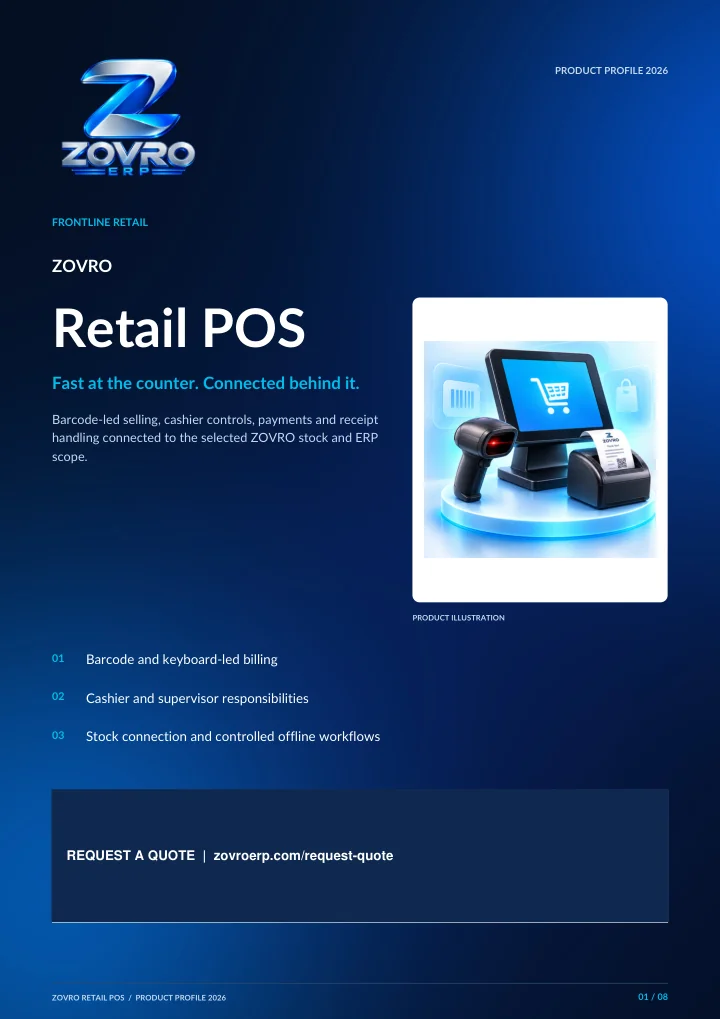
Barcode billing, cashier controls, payment workflows and connected retail operations.
Free PDF download. No sign-in or contact form required. Request a tailored quotation for your business requirements.
Tell us about your locations, users and daily challenges. We will map a focused demonstration to your needs.
Read practical business articles →