Connect tables, orders and kitchen routing
ZOVRO BUSINESS SOLUTION
Restaurant POS
Dine-In • Takeaway • Delivery
Run restaurant service from table ordering through kitchen routing and payment.
RestaurantsBarsCafésHotelsFood Service
See ZOVRO solutions by industry →
Your demo can be mapped around your business type, locations and current operating workflow.
Restaurant POS
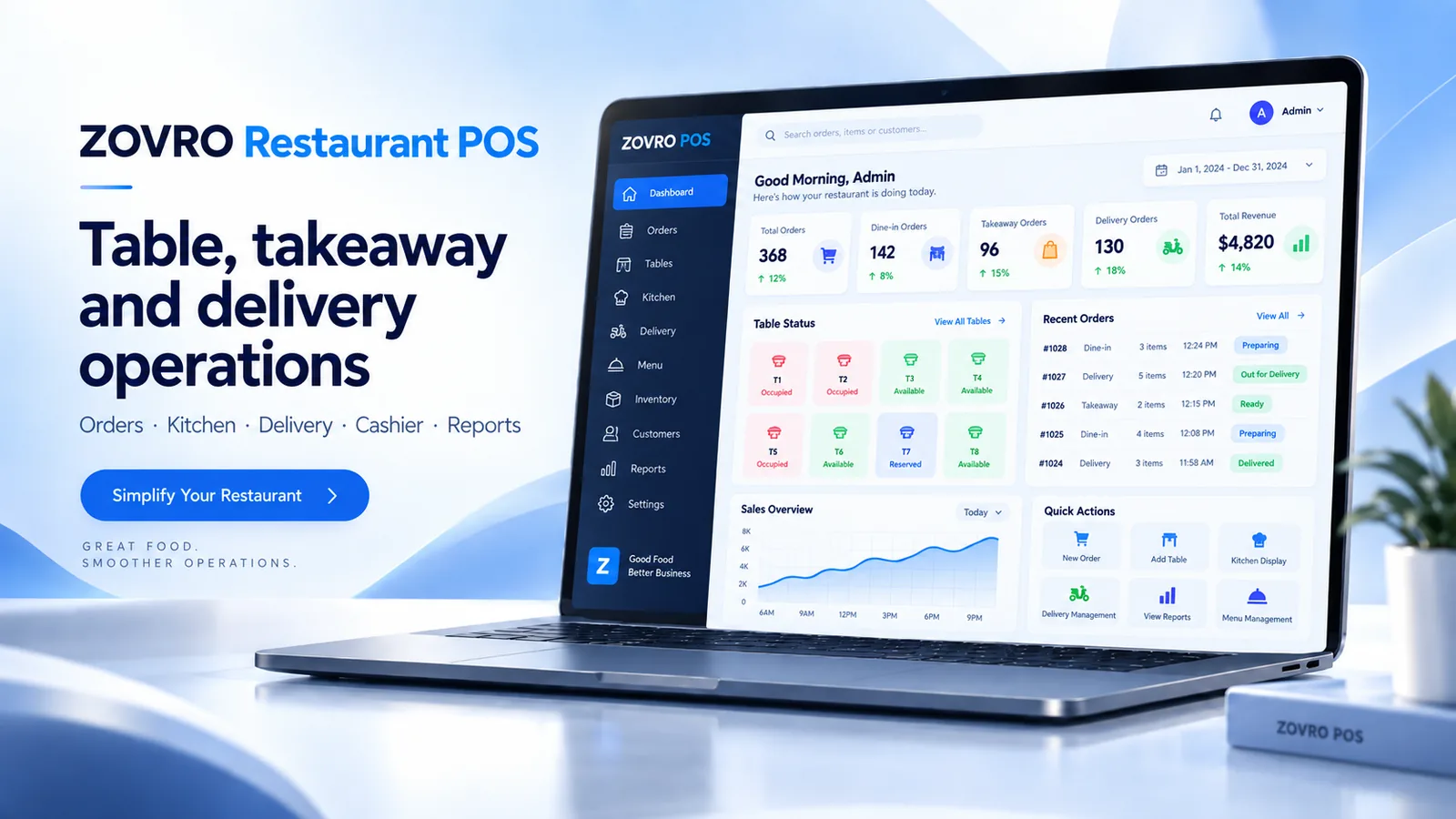
Restaurant OperationsCombine Restaurant POS with Inventory, Accounting and Payroll where a broader restaurant operating platform is needed.
WHERE IT FITS
Restaurants that need front-of-house, kitchen and payment workflows connected
Restaurants and cafésBars and multi-kitchen venuesTakeaway and delivery operations
Separate dine-in, takeaway and delivery flows
Control KOT/BOT printing by preparation area
Bring restaurant sales into the wider ERP platform
KEY CAPABILITIES
Core capability, connected to the wider ZOVRO platform.
These are the primary product areas. Final configuration is mapped during implementation to match your company structure, users and operating rules.
Table Management
Works within the same controlled business platform for consistent data, access and management visibility.
KOT / BOT
Works within the same controlled business platform for consistent data, access and management visibility.
Multi-Kitchen
Works within the same controlled business platform for consistent data, access and management visibility.
Menu & Recipe Management
Works within the same controlled business platform for consistent data, access and management visibility.
HOW THE WORKFLOW CONNECTS
From operational action to management visibility.
A product demo should show the complete workflow, not only isolated screens.
Order
Capture dine-in, takeaway or delivery orders against the correct service context.
Route
Send new and modified items to the relevant kitchen or bar using KOT/BOT flows.
Serve & Pay
Manage table actions, guest copy, settlement and controlled void operations.
Review
Restaurant reporting and connected ERP data support management follow-up.
YOUR PRODUCT DEMO
See the areas that matter to your operation.
We use the demo request to understand your business first, then focus the session on the most relevant workflows.
Plan My Demo1Table and token workflows
2KOT/BOT and multi-kitchen routing
3Move, merge and void controls
4Payment and restaurant reporting
BUYER QUESTIONS
Frequently asked before a demo.
Exact scope, data migration, configuration and deployment requirements are confirmed during solution mapping.
Does Restaurant POS support dine-in, takeaway and delivery?
Yes. These service modes are part of the restaurant operating flow.
Can items go to different kitchens?
Yes. KOT/BOT routing can direct items to the configured preparation areas.
Can Restaurant POS connect to hotel operations?
ZOVRO supports hotel and restaurant operational integration scenarios. The exact mapping should be confirmed during solution design.
NEXT STEP
Request Demo
See Restaurant POS against your real workflow.
Tell us what you operate, how many locations you manage and what you want to improve. We’ll use that context to prepare the discussion.