
Company and operating structure
Keep the selected company, location and operational context clear. Set up authorized users and the modules they need rather than giving every employee access to every function.
One operating picture. Connected departments.
Retail groups, distributors and service-led businesses that need a connected operational and accounting process.
ZOVRO brings inventory, purchasing, sales and accounting into a company-aware business platform. Instead of explaining each department in isolation, start with a real transaction and follow it through stock, settlement and management review. Select the modules and controls that fit your operation; additional services depend on activation and configuration.
Understand the activity, its controls and the information available for follow-up.
Keep the selected company, location and operational context clear. Set up authorized users and the modules they need rather than giving every employee access to every function.
Prepare purchasing activity, receive goods into the correct warehouse, and review receipts and movements. Partial receipts and outstanding orders need to be demonstrated against the agreed buying process.
Use sales documents, customer balances, receipts and payments as connected records. A completed sale and the collection of its money are different events and should remain distinguishable.
Bring operational totals and balances into a common view, then investigate the underlying reports. Apply the right company, period and operating filters before making decisions.
Follow the process from preparation to review. Configuration and responsibilities are agreed during implementation.
Agree companies, locations, modules, responsibilities and approvals.
Configure accounts, items, parties, stock and the agreed opening information.
Receive, sell, settle and handle exceptions through the relevant documents.
Compare reports with source activity and assign unresolved issues.
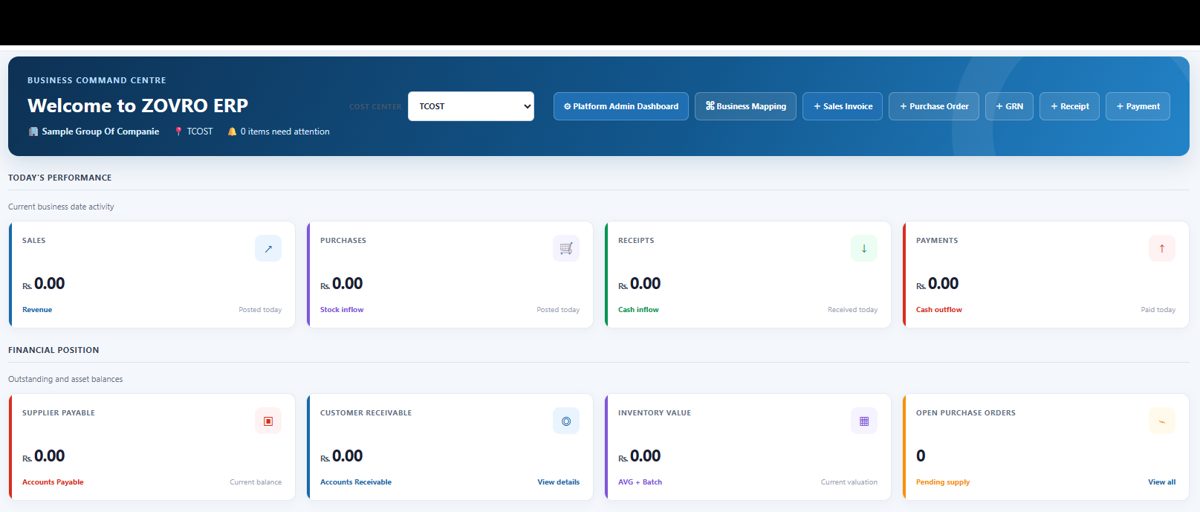
A distributor receives part of a supplier order, sells available stock and collects part of a customer balance. A useful demo follows all three events without treating the unreceived stock or unpaid balance as completed.
Discuss your workflow →Confirm the selected release, integrations, hardware and limits in the agreed scope.
No. Agree the core product and relevant add-ons for your business. Module availability, limits and user assignments belong in the quotation and implementation scope.
First identify which records must be migrated and validate opening information. Do not discard existing records until the agreed migration and reporting checks have passed.
Bring one purchase-to-payment and one sale-to-collection example, including an exception such as a partial receipt or a return.
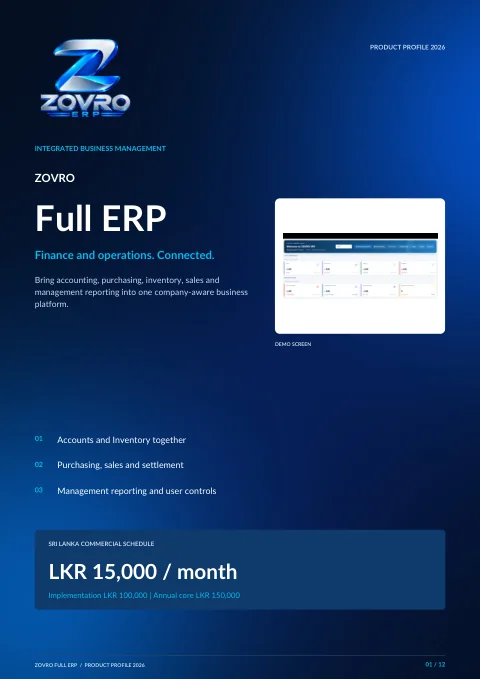
Connected accounting, inventory, purchasing, sales and management workflows in one platform.
Free PDF download. No sign-in or contact form required. Confirm current scope and commercial terms with ZOVRO.
Tell us about your locations, users and daily challenges. We will map a focused demonstration to your needs.
Read practical business articles →