
Connect operational transactions to the ledger
ZOVRO BUSINESS SOLUTION
Accounting
Complete Financial Management
Connect daily transactions to a structured financial system with clear reporting and control.
RetailRestaurantsHotelsDistributionServices
See ZOVRO solutions by industry →
Your demo can be mapped around your business type, locations and current operating workflow.
Accounting
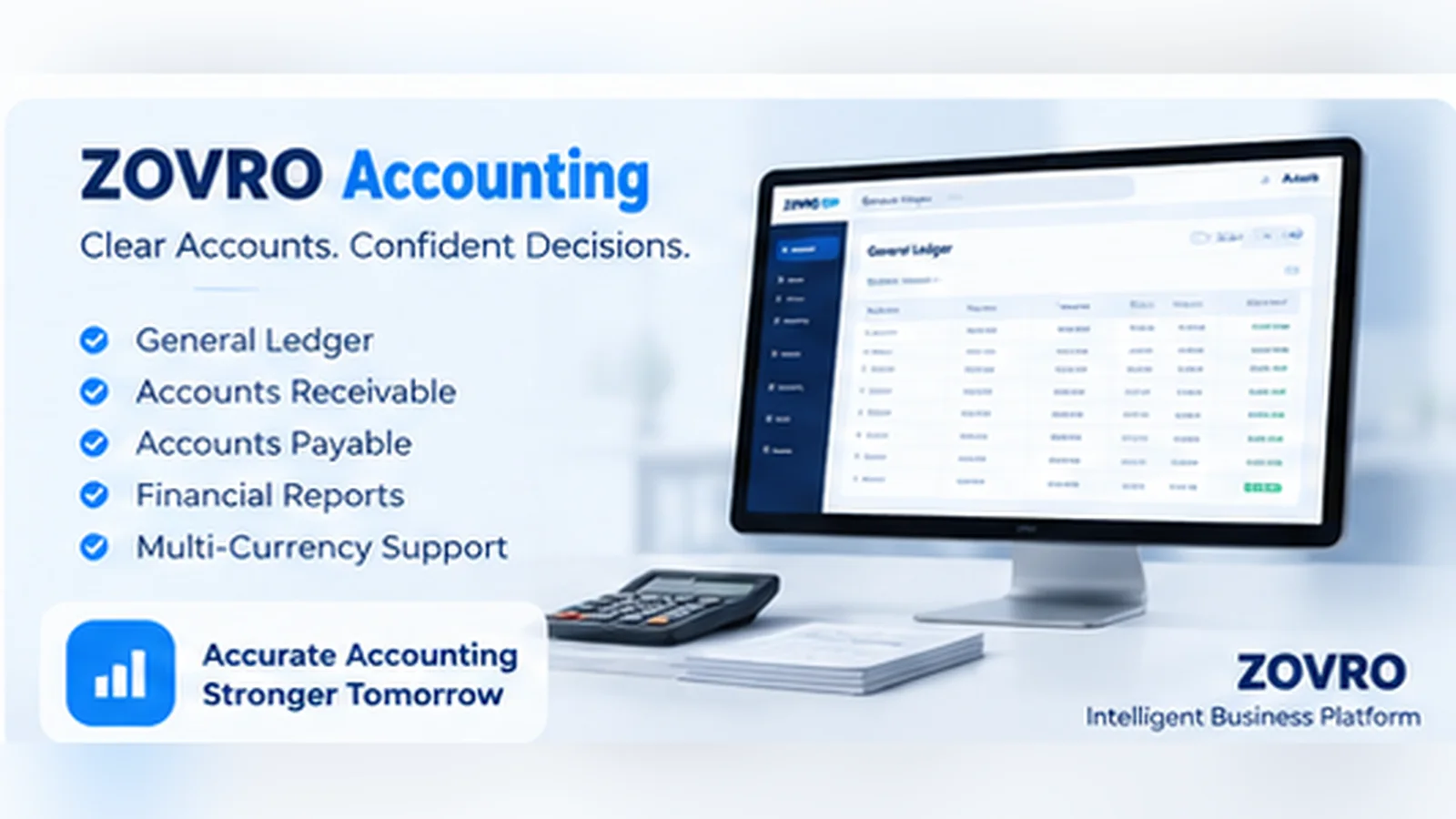
Core FinanceStart with the accounting foundation and add operational modules as the business grows.
WHERE IT FITS
Finance teams that need one controlled accounting foundation
Retail and multi-outlet businessesRestaurants and hospitalityDistribution and service companies
Improve receivable and payable visibility
Keep banking and reconciliation inside the ERP
Produce clearer management reporting
KEY CAPABILITIES
Core capability, connected to the wider ZOVRO platform.
These are the primary product areas. Final configuration is mapped during implementation to match your company structure, users and operating rules.
General Ledger
Works within the same controlled business platform for consistent data, access and management visibility.
Accounts Payable & Receivable
Works within the same controlled business platform for consistent data, access and management visibility.
Banking & Reconciliation
Works within the same controlled business platform for consistent data, access and management visibility.
Financial Reports
Works within the same controlled business platform for consistent data, access and management visibility.
HOW THE WORKFLOW CONNECTS
From operational action to management visibility.
A product demo should show the complete workflow, not only isolated screens.
Capture
Sales, purchases, receipts, payments and journals enter the controlled accounting flow.
Classify
Transactions follow company, account and cost-centre rules.
Reconcile
Banking, receivables and payables are reviewed against source activity.
Report
Financial statements and management views use the same connected data.
YOUR PRODUCT DEMO
See the areas that matter to your operation.
We use the demo request to understand your business first, then focus the session on the most relevant workflows.
Plan My Demo1Chart of accounts and company structure
2Receivables, payables and banking
3Posting flow from operations
4Financial and management reporting
BUYER QUESTIONS
Frequently asked before a demo.
Exact scope, data migration, configuration and deployment requirements are confirmed during solution mapping.
Can Accounting work with POS and Inventory?
Yes. ZOVRO is designed so operational modules can feed the same accounting foundation instead of operating as isolated systems.
Can different companies use different accounting structures?
Company-aware configuration allows the implementation to map the accounting structure and controls required for each company.
What should we prepare for an accounting demo?
Bring your company structure, current chart of accounts, key transaction types and the reports you rely on most.
NEXT STEP
Request Demo
See Accounting against your real workflow.
Tell us what you operate, how many locations you manage and what you want to improve. We’ll use that context to prepare the discussion.